Project Context
Electrical training is dense, acronym-heavy, and code-driven. Got It aims to transform overwhelming content into clear, structured explanations that help apprentices study with confidence.

The Core Problem: Intelligence Is Not the Issue, Language Is
Through early discussions and research, we discovered that apprentices were not struggling because they lacked capability. They were struggling because of how information was presented.
The material was:
- Filled with unexplained acronyms
- Structurally dense and text-heavy
- Lacking real-world examples
- Difficult to translate into practical scenarios
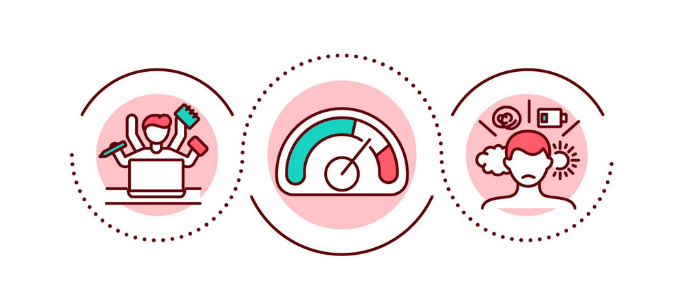
For many learners, especially those with ADHD or focus challenges, the issue was not effort, it was cognitive overload.
Research: Identifying Minor Commonalities and Core Pain Points
To better understand the learning landscape, I conducted qualitative synthesis of participant responses, organizing findings into Minor Commonalities and Pain Points. This helped separate recurring patterns from deeper structural frustrations.

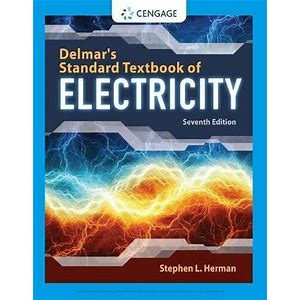
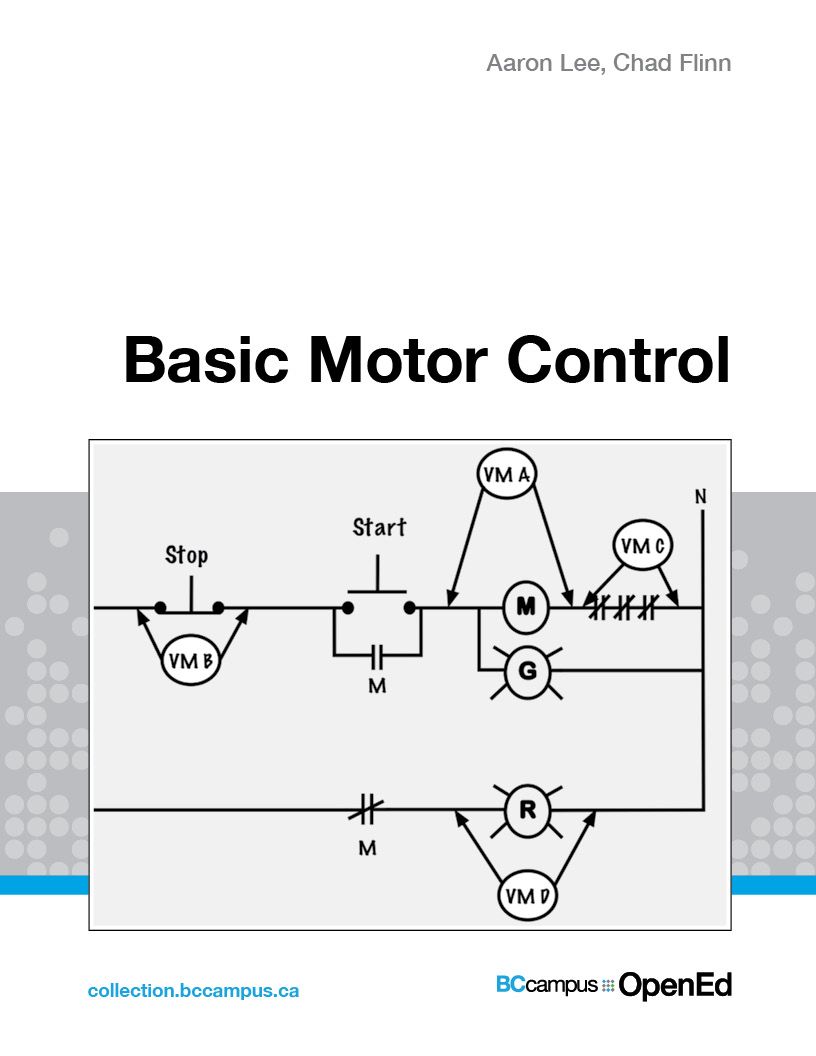
Minor Commonalities
How I Identified Recurring Patterns
To understand the learning challenges of electrical apprentices, I reviewed experiences shared by alumni and current students, documented insights from meetings with our advisor, and reached out directly to apprentices for feedback. Rather than focusing on isolated comments, I synthesized recurring themes across conversations and notes to identify consistent patterns.
Limited Awareness of Accessibility Services
Through research and discussions, I found that many apprentices were unaware of BCIT accessibility services. Some students had not explored accommodations simply because they did not know support existed. Others described focus challenges without connecting them to formal learning assistance. This suggested a gap not just in academic difficulty, but in the visibility of available resources.
Desire for More Sample Problems
A consistent theme was the need for more structured practice. Students expressed that they lacked repetition to reinforce concepts and valued step by step solutions to build confidence. Many preferred a range of problems, from foundational exercises to realistic job based scenarios, highlighting the importance of contextual learning.
Code as a High Friction Topic
Across multiple accounts, interpreting electrical code was described as one of the most intimidating areas of study. Dense formatting, acronyms, and technical language made it difficult to extract key requirements. Learners also struggled to apply code to real world situations without additional explanation. Compared to hands on work, code study felt significantly more overwhelming.
Identifying Core Pain Points
Through reviewing alumni experiences, speaking with current students, surveying apprentices, and documenting insights from advisor meetings, I began identifying consistent frustrations across different learners. Rather than isolated complaints, these patterns appeared repeatedly across conversations and sources.
Acronyms and Abbreviations Create Friction
Many beginners described feeling excluded when shorthand and acronyms were treated as assumed knowledge. Several mentioned flipping back and forth between sections trying to decode terms, which wasted time and disrupted focus. This pattern suggested that comprehension barriers often begin at the language level, not the conceptual level.
Lack of Real World Context
Students frequently expressed that theory felt disconnected from on site application. Textbook examples were described as overly polished and not reflective of real job environments. In conversations, learners emphasized wanting troubleshooting scenarios, safety based examples, and more realistic problem sets. This highlighted a gap between academic instruction and practical understanding.
Overly Technical Language
Across multiple responses, participants noted that materials often felt unnecessarily complex. Dense paragraphs and advanced terminology made it difficult to grasp the main idea before getting lost in details. This reinforced the idea that presentation style significantly impacts comprehension.
Exam Preparation Uncertainty
Learners also described uncertainty around how to prepare for exams. Many were unsure what content was essential versus supplemental, and limited practice exams left them without a clear way to measure readiness. This often led to increased stress and reduced confidence.
By synthesizing these recurring frustrations, I was able to move beyond individual anecdotes and identify structural patterns in how information is delivered and experienced within trade education.

Advisor Collaboration: Grounding the Product in Reality
Throughout the project, I attended and took notes during multiple meetings with our advisor, Shifra, an electrical apprentice. These sessions were critical.
I documented:
- Which topics apprentices struggle with most
- How study habits differ from what instructors expect
- Gaps between classroom explanations and on-site understanding
Her insight validated our research and helped ensure Got It was not just conceptually helpful, but practically aligned with apprenticeship realities.
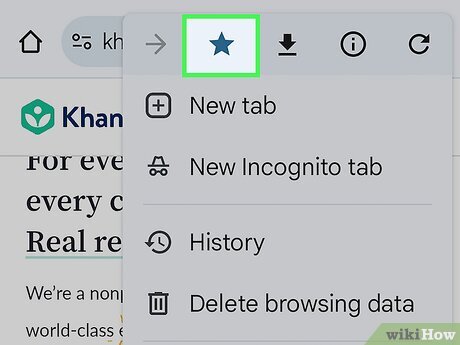
Ideation: Proposing the Bookmark Feature
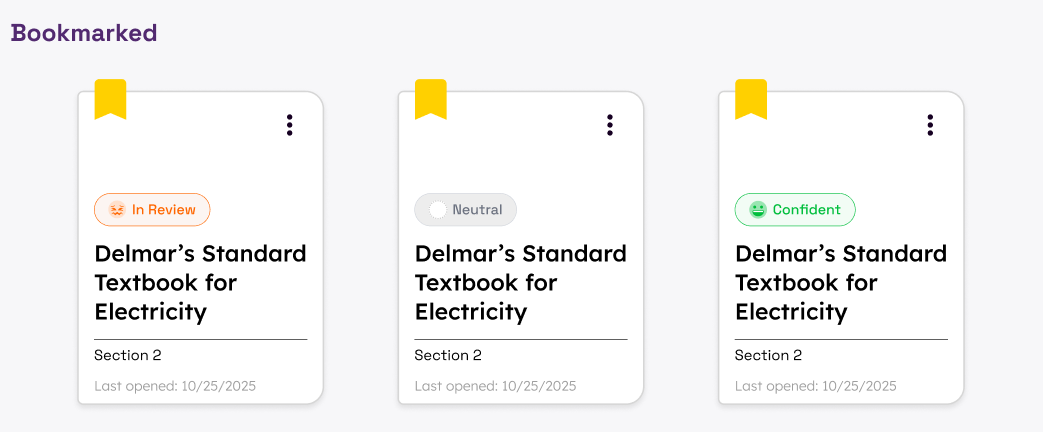
During the design phase, I suggested implementing a bookmark feature. This idea emerged from research showing that apprentices repeatedly encounter unfamiliar terms.
Instead of forcing users to re-search definitions each time, bookmarks would allow them to save difficult concepts for later review.
The intention behind this feature was to:
- Reduce repetitive friction
- Support spaced repetition
- Help learners track areas they struggle with
The bookmark feature was rooted directly in observed learning behavior.

Development: Coding the Settings Page
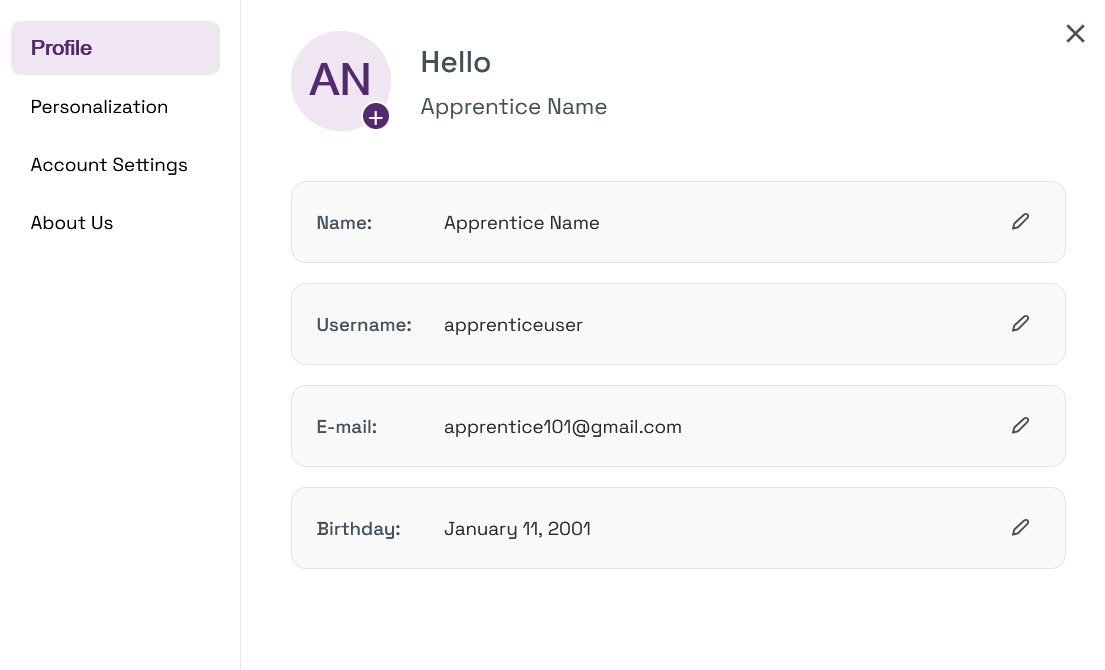
While I contributed to ideation and design discussions across the platform, the settings page was a feature I personally coded. This page focused on accessibility and user control.
When building it, I prioritized:
- Clean structure and hierarchy
- Clear labeling to avoid cognitive overload
- Intuitive layout to prevent confusion
The goal was to give learners control over their environment without overwhelming them with excessive options. Coding this feature allowed me to translate accessibility principles directly into functional implementation.
User Testing: Observing Real Interaction
I participated in user testing sessions to understand how apprentices interacted with the platform.
Rather than focusing solely on what users said, I paid attention to:
- Where hesitation occurred
- Where navigation slowed down
- Which features felt intuitive versus unclear
Testing revealed that while simplified explanations were appreciated, onboarding and feature clarity needed refinement. This led to adjustments in structure and messaging to reduce friction.
Managing the Blog: Communicating Progress
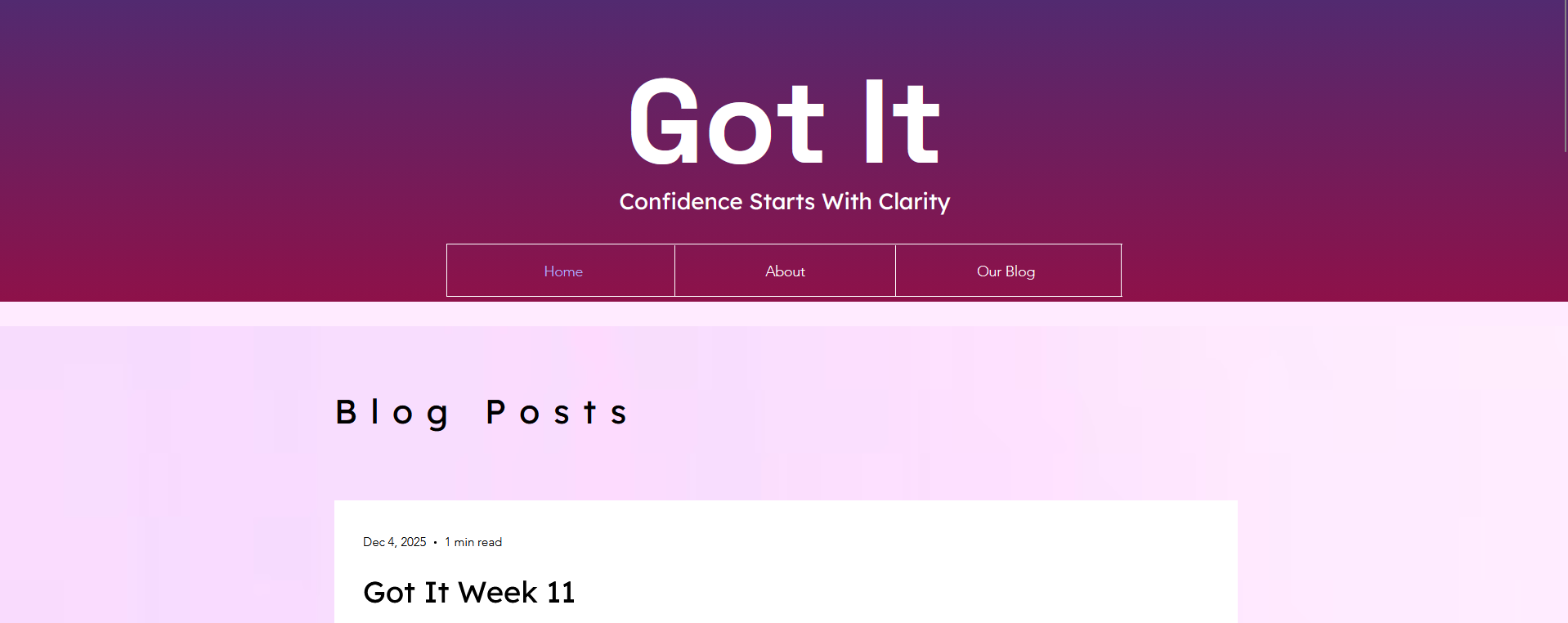
I managed the project blog, ensuring that updates reflected both our design progress and research insights.
This required translating internal discussions into clear, structured posts. It strengthened my ability to communicate technical and UX decisions in a way that remained accessible to both technical and non-technical audiences.
Presenting to a Large Audience
I helped present Got It to a large audience, focusing on what makes our product different from generic AI study tools. One of the key questions we addressed was, "Why not just use existing AI?"
Based on our research, we found that apprentices are here to master a trade, not struggle with complicated software. Got It is intentionally simple, aligned with real curriculum material, and built specifically for electrical apprentices rather than general learners.
I also highlighted the risk of AI hallucinations. In the electrical trade, incorrect information can be dangerous. To reduce this risk, Got It compares uploaded content directly with approved textbooks before generating explanations, ensuring responses remain accurate and grounded in trusted material.
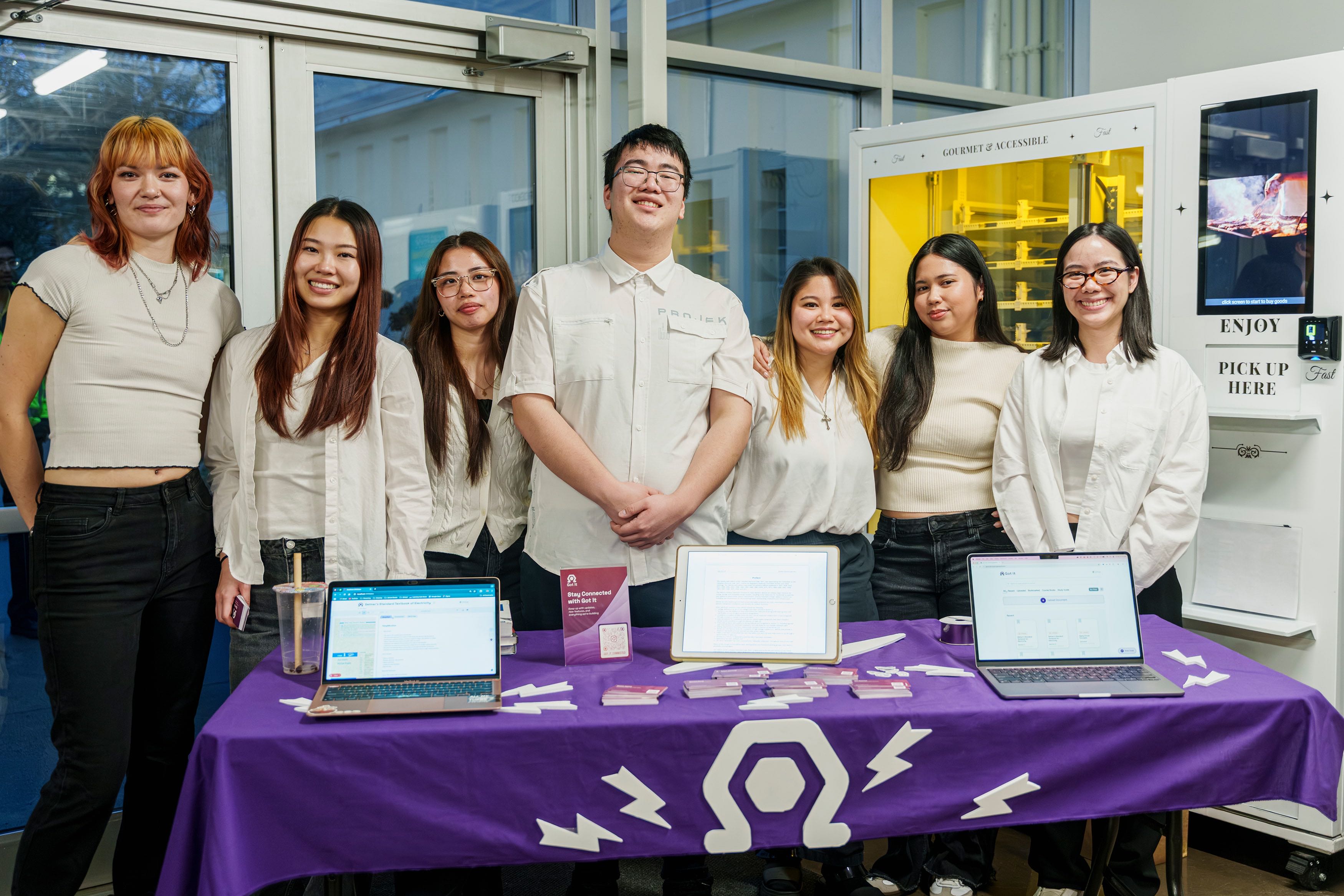
Before the formal presentation, I also helped set up and run a booth to showcase our app. We demonstrated the product live, explained our research process, distributed business cards and brochures, and engaged directly with attendees. During this event, we had the opportunity to speak with Members of Parliament and the Mayor of Burnaby, presenting our concept and answering questions about its impact and feasibility.
These experiences strengthened my ability to communicate ideas clearly, advocate for research driven design decisions, and confidently represent a product in both structured presentations and informal networking environments.
What I Learned
This project reinforced that:
- Accessibility must be built into the foundation, not added later
- Jargon is a structural barrier, not a minor inconvenience
- Small UX features like bookmarks can meaningfully reduce cognitive strain
- Real user insight and advisor validation dramatically improve product relevance
Got It solidified my interest in designing educational tools that reduce overwhelm and increase learner confidence.